
Text-to-give fundraising guide: Tips and 12 top platforms

More and more nonprofits are finding success with SMS messages, thanks to their high open rates (an astounding 98%!) and the ease of donating from mobile devices. If your organization isn’t leveraging text-to-give platforms yet, you’re probably leaving donations on the table.
Also referred to as text giving, text-to-donate, and SMS (short message service) fundraising, text-to-give is a fast, convenient way to give, making it easier than ever for supporters to donate to their favorite nonprofits. To help you tap into this year-round source of additional revenue, we’ll cover all the basics in this guide.

Text-to-give FAQs
What is text-to-give?
Text-to-give is a fundraising method in which donors can initiate giving via text on their mobile devices. It provides donors with a quick way to give to nonprofit organizations by sending a text message to a dedicated number, making donations fast, secure, and simple.
The strategy is designed for convenience, allowing supporters to give at any time, anywhere, using a device they have on hand. Donors simply text a unique keyword (like “GIVENOW”) to a designated short code, receive a secure donation link, and complete their gift in minutes. This experience removes barriers to giving, making it easy for supporters to act in the moment and give to causes they care about.
How does text-to-give work?
While some text-to-give services charge the gift to donors’ phone bills, most platforms enable nonprofits to use the following process:
- Donors text a keyword. Donors initiate the text-to-give transaction by texting your nonprofit’s unique keyword (like “DONATE”) to a short code (a shortened phone number, like 55555).
- They receive a link. The donor instantly receives a text containing a link to a mobile-friendly, branded donation page tied to your campaign. From there, they choose their donation amount and enter payment information.
- Supporters easily donate from their phones. Once the donation form is complete, all that’s left is to submit their donation. Afterward, they’ll automatically receive a confirmation email with a donation receipt. Your team can create a custom follow-up to thank the supporter personally and build long-term loyalty.
Once you invest in a text-to-give platform or all-in-one CRM, your vendor will typically assign you a 5-digit shortcode that supporters can text. Even if most text-to-give contributions are small, these individual mobile donations add up over time to make a significant difference for your nonprofit.
Is text-to-give secure?
Yes! Both the initial text-to-give exchange and any future text messages to donors are secure when you work with a PCI-compliant provider. Choosing a vendor that meets these security standards protects your supporters’ sensitive information and helps your organization avoid potential fines.
What are the best text-to-give platforms for nonprofits?
To run a mobile giving campaign successfully, your nonprofit needs a text-to-donate service or platform to streamline and manage this process. Intuitive text fundraising software allows you to leverage automation, easily track fundraising results, and boost efficiency for you and your donors. Below, we’ll explore several platforms that help you do just that.
Top text-to-give platforms for nonprofits include Bonterra EveryAction, Bonterra Network for Good, Pledge, Tatango, and Bonterra OneCause. Each of these solutions offers user-friendly features for mobile giving and donor engagement.
Are there free text-to-donate platforms?
Yes, free text-to-give platforms include Pledge, Give Lively, and Givebutter. However, most free platforms still charge transaction fees and may ask your donors to tip the platform, which could affect your revenue and raise questions with donors.
Which features should you look for in a text-to-give platform?
When choosing a text-to-give platform, look for a solution that offers custom campaign keywords, an intuitive interface, and a mobile-first design that makes giving simple and engaging. The best platforms also offer flexible payment options, like digital wallets and donor-advised funds (DAFs), in addition to real-time goal tracking, recurring giving, and automated receipts.
How to get started with text-to-give fundraising
Excited to start texting donors? With the right provider, you can set up text-to-give in just four steps:

1. Choose a text-to-give provider.
Selecting the right text fundraising platform is the first step on your path to success. Beyond basic features, you’ll want to consider these factors when choosing a vendor:
- Pricing and fees: Consider payment processing fees, support costs, and other expenses in addition to the prices listed on vendor websites.
- Security: Work with a PCI-compliant vendor to ensure your donors’ information is safe and that you’re adhering to security standards.
- Expediency of funds: Choose a vendor that deposits donations directly into your organization’s bank account instead of using carrier-billing models that route funds through donors’ phone bills.
- User-friendliness: Your text-to-give provider should offer a quick, easy setup and minimize the number of steps donors need to take to donate.
- Technical support: Work with a vendor that’s easy to reach, resolves technical issues quickly, and offers resources to help you troubleshoot independently.
- Integrations: Ensure the platform integrates with your CRM and other fundraising tools. Better yet, choose a full-suite solution to centralize all of your fundraising activities.
When it comes to choosing a text-to-give provider, Bonterra’s text fundraising solutions stand out for their ease of use and fully integrated fundraising features. With a team dedicated to your success and multiple full-suite platforms built to maximize donor engagement, Bonterra makes launching and managing text-to-give campaigns simple and effective for any nonprofit.
2. Set up your short code and keyword.
Once you invest in text-to-give software, your provider will help you select a short code and keyword(s) so donors can reach you. Here’s a quick breakdown of these two text-to-give terms:
- Short code: A short code is a shortened phone number, usually 4-5 digits, that donors text to make a donation. Short codes are faster to type, easier to remember, less prone to errors, and can handle a high volume of messages.
- Keyword: A keyword is a unique word selected by your organization that donors can text to your short code phone number to trigger the text-to-give process (for example, “DONATE”).
Work with your provider to select an available short code and relevant keyword. They can guide you through best practices for choosing memorable, easy-to-type words that align with your campaign and organization.
Try to limit keywords to 15 characters or fewer, with no spaces or punctuation, and choose a keyword that relates to your nonprofit’s purpose or a specific fundraiser. For example, an animal shelter raising funds for rescue cats could use a keyword like “DONATE4CATS” for a general campaign. If the organization uses text-to-give during a giving day, they could create a keyword like “GIVINGDAYCATS” instead.
3. Design a text-to-give fundraising strategy.
Text-to-give should be used as an extension of your existing campaigns and outreach plans, so creating a strong strategy is essential. Let’s break down what this looks like.
Before launch
Take time to define clear goals. Are you using text-to-give to support a specific campaign, enhance a fundraising event, or create a new, ongoing donation stream? The answers to this question will help you determine the number of keywords you need and how you’ll use your promotional resources. Then, you should:
- Assign a point person: Designate someone to oversee text-to-give implementation, answer questions, and monitor performance.
- Test it out: Familiarize your team with your texting software and ensure everyone knows how it works.
- Create a promotion plan: Determine where and how you’ll promote your text-to-give keyword and prepare clear donor instructions.
During and after your campaign
Once text-to-give is up and running, make sure to:
- Make a live appeal: Walk donors through the text-to-give process during events, setting clear goals and showing impact in real time.
- Display progress: Use live scoreboards or fundraising thermometers to spark excitement and encourage more giving as text donations roll in.
- Encourage post-event or campaign giving: Keep text-to-give open after your campaign or event ends to capture additional donations.
Implementing a new donation channel takes time, testing, and adaptation. With clear goals, consistent promotion, and an engaged point person overseeing your efforts, your organization can successfully integrate text-to-give into its broader fundraising strategy and unlock a powerful, modern way to connect with donors.
4. Monitor your fundraising results.

Just like any other fundraising channel, it’s crucial to track engagement and fundraising metrics once you launch a text-to-donate campaign. Analyze your click-throughs, average gift amounts, campaign performance, and more to understand how your efforts are performing in real time.
Use this data to adjust your strategy. Highlight what’s working well, optimize messaging and timing, and experiment with new approaches to maximize donations and donor engagement. By continuously monitoring and optimizing, you can make each campaign more effective than the last.

Key text-to-give best practices
Optimize your online donation page.
The easier the donation process, the more likely donors will be to complete their gift. Ensure a simple process with a secure, mobile-friendly donation page.
Follow these steps to optimize your online donation page for accepting text-to-give donations:
- Make the form mobile-friendly. Your donation page should automatically resize for different screen sizes and include buttons large enough for mobile users to tap without accidentally clicking something else.
- Offer suggested donation amounts. Connect each suggested donation to a concrete outcome. For example, an environmental nonprofit could list the number of trees each gift amount allows them to plant.
- Limit form fields. Stick to collecting only essential information, like donation details, contact information, and payment method.
- Highlight recurring giving. Emphasize that text-to-give donors can make a larger contribution long-term by giving the same amount each month.
- Use a secure payment processor. Look for a PCI-compliant or PCI-certified payment processor to ensure your donors’ financial information remains safe.
These tips are beneficial beyond text-to-give, too. The improvements you make to your donation page now will help you bring in more online revenue year-round.
Promote text-to-donate across channels.
Once your text-to-give fundraiser is live, you need to let your supporters know that the option is available. The wider you publicize the campaign, the more likely donors will be to engage.
Get the word out by sharing your text-to-give number and keyword across:
- Social media
- Your newsletter
- Your nonprofit’s website
- Email marketing
- Event announcements
- Print or digital flyers
- Direct mail
In each of your marketing materials, announce the new giving opportunity, provide the short code and keyword, and conclude with a short explanation of the process. This way, donors who know how text-to-give works can start texting right away, while those who aren’t familiar can read more before getting started.
Combine text-to-donate with other fundraisers.
While text-to-give fundraising can work well on its own, you can maximize its capabilities by using it as an additional giving channel during other fundraisers, like:
- Events: Display your short code and keyword prominently during auctions, galas, 5K races, walk-a-thons, and other fundraising events.
- Giving campaigns: Include your short code in promotional materials for GivingTuesday, your year-end fundraising push, and other giving days.
- Matching gift drives: Ensure text-to-give donors know how to check their eligibility and submit match requests by including that information in your text-to-give marketing materials.
Your supporters will likely engage with each of these fundraisers on their mobile devices. Having the ability to give immediately via text provides a natural next step. Also, supporters don’t have to remember to bring cash to put in a donation jar at events. Instead, they can easily make additional contributions using their phones.
Recognize and update text-to-give donors.
Donor appreciation goes a long way. Show your gratitude by sending automated thank-you emails or texts (and receipts) to all text-to-give donors. Create a “thank-you” page or confirmation message that communicates your gratitude, highlights how their gift will be used, and provides opportunities to stay in touch.
Then, build trust by showing donors how their gifts make a difference through impact statements. Provide regular updates on fundraising progress and follow up on how donors’ contributions are advancing your mission.
If you use text-to-give as an additional fundraising method during an event or giving day, recognize your mobile giving campaign’s success both on its own and as part of your overall fundraising total. In your thank-you messages, include data on how much of your total came from mobile giving. This way, you can encourage more participation in future text-to-give fundraising efforts.
Top text-to-give platforms to consider
If you’re ready to start texting, choosing a text-to-give platform is the first step. Let’s review the top fundraising software options available and tips for choosing the right one.
1. Bonterra EveryAction
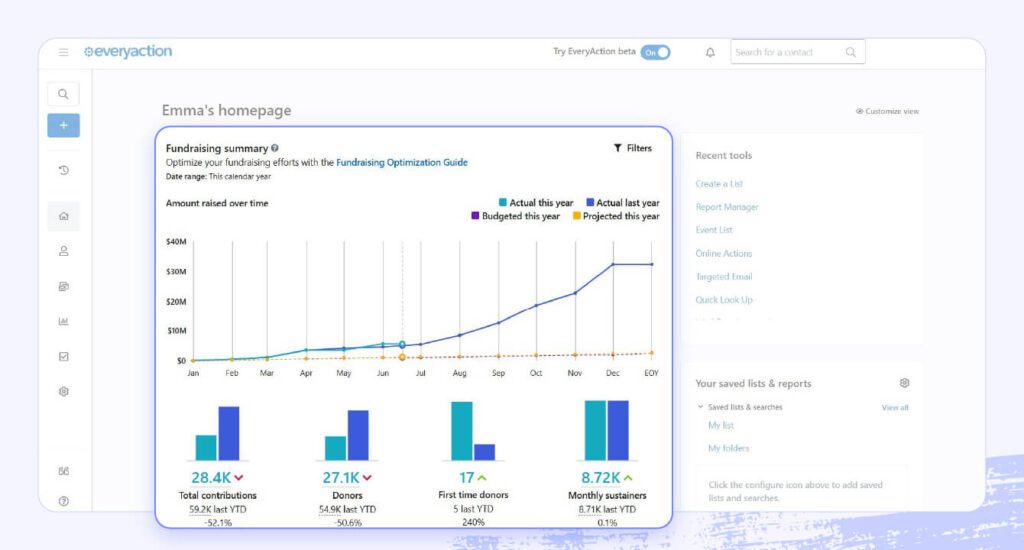
With Bonterra EveryAction, you get a dedicated toll-free number that supporters can text anytime to engage with your organization. Create custom keywords with automated responses for text-to-give, surveys, opt-in, event registration, and more. Then, seamlessly track and analyze all your communications from one central database.
Our text-to-donate platform gives you access to powerful, intuitive features, but the best part is that EveryAction is much more than a text-to-donate platform — it’s an unparalleled one-stop solution for all things fundraising and supporter engagement. Our full-suite software helps countless organizations give supporters a single, unified experience that inspires them to support their causes long-term. Manage fundraising campaigns, marketing, advocacy, events, and relationship-building with one centralized solution. See the full picture of your donors and learn the best ways to reach them, ultimately improving relationships and boosting your fundraising results.
Features
- Mobile messaging: Further your fundraising and engagement goals by sending personalized SMS and MMS messages to any supporter who opts in.
- Mobile-friendly payment methods: Go beyond credit card giving and securely accept mobile donations via Apple Pay, Google Pay, Venmo, PayPal, and more.
- Automated, multichannel campaigns: SMS is integrated with the rest of EveryAction’s features, so you can create cohesive multichannel campaigns combining texts and emails. Use branching logic to design automated donor journeys that enhance your fundraising.
- Dynamic segmentation: Create supporter segments based on giving and engagement history, then automatically update them as donors take new actions.
- OneExperience backend: Get a 360-degree view of your donors and all your engagement with them — including fundraising data, text messages, event attendance, volunteering history, and more.
Pricing
Custom pricing

2. Bonterra Network for Good
Bonterra Network for Good is a great choice for smaller nonprofits looking to fundraise. It offers personalized donor communication, detailed tracking and analytics, and strong credibility. Your organization can make use of integrated tools for personalized outreach and donor management to maximize donations, with personalized asks increasing dollars per donation by 11%. Plus, it comes with built-in AI-powered coaching and resources (like blogs and webinars) to help grow your fundraising success.
With Network for Good, you can send bulk messages and receive donations via text. Set up a toll-free or local number, then ask donors to text “Give” or “Donate” directly. They’ll receive a link to your donation page and after they donate, they’ll automatically get a receipt. They can also send the word “Pledge,” which lets them create a pledge that will be automatically added into your system.
Features
- Text to give and pledge: Send messages directly to supporters, or let them text you to give or pledge.
- Event text-to-give: Let donors give instantly during live events. Display your custom phone number and a keyword, then let them donate right away.
- Donor management integration: Because Network for Good offers a full suite of tools, all donations and pledges are automatically added to your donor management system. You can track all interactions in one place.
Pricing
Contact for pricing

3. Bonterra OneCause
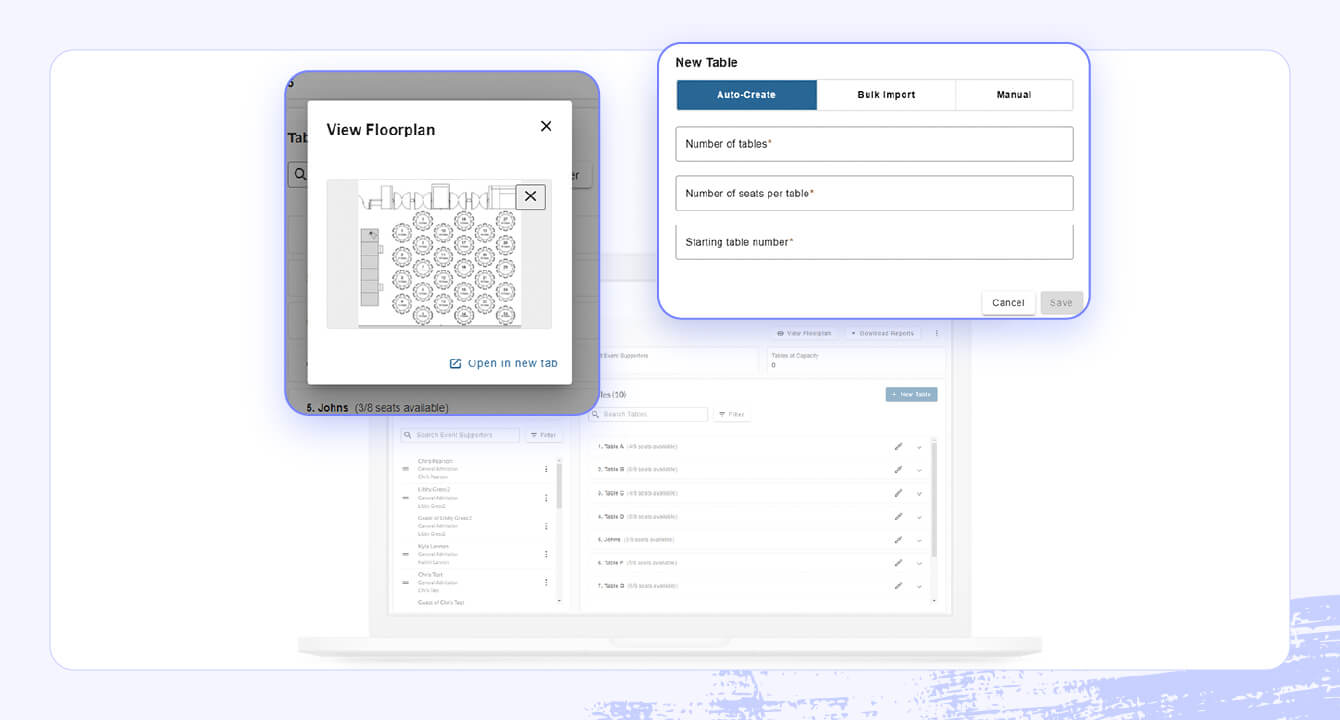
Bonterra OneCause is a nonprofit auction and event management platform that includes text-to-give features to maximize event revenue.
OneCause combines simplicity, flexibility, and powerful features into a single platform designed specifically for nonprofits. From easy setup and branding options to robust donor engagement tools, it gives your organization everything you need to run successful text-to-give campaigns. OneCause offers award-winning support and seamless integrations to ensure both your team and your supporters have the best possible experience.
Features
- Unique keywords: Choose a keyword exclusive to your organization to ensure donations are directed to the right campaign and avoid confusion with other nonprofits.
- Custom CTAs: Encourage engagement and participation by using a custom keyword for your campaign that streamlines the user experience.
- Custom donation amounts: Allow customized donations and the ability to make one-time or recurring donations via text.
- PCI-compliant payment processing: Set up direct deposits into your nonprofit’s bank account. Accept all major credit and debit cards and digital wallets with PCI-compliant security, ensuring donor information is always safe.
- Automated follow-ups: Automatically send donation receipts, giving donors instant confirmation and reducing administrative work for your team.
Pricing
Contact for pricing.

4. Pledge
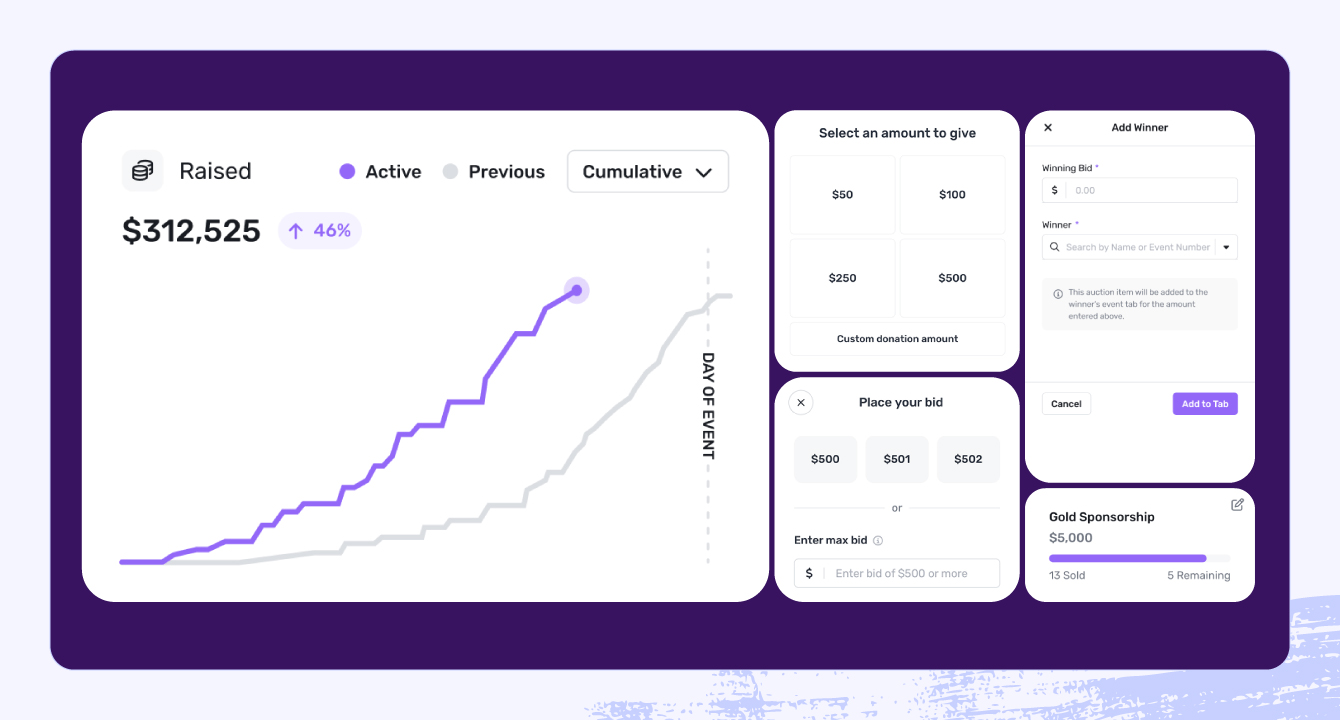
Pledge offers fundraising software for both nonprofits and businesses. Its nonprofit platform includes very basic fundraising functionalities like donation form and landing page creation, virtual event management, recurring giving, and text-to-give.
Pledge’s core text-to-donate features include free fundraiser keywords, custom keyword and QR creation, and detailed reporting and dashboards.
Features
- Free fundraiser keywords: For each fundraiser, get one free keyword for supporters to text to the platform’s only shortcode: 707070.
- Custom keywords and QR codes: Set customized codes and keywords for each fundraising campaign or form you use to collect donations.
- Conversion reporting: Access detailed donation data and fundraising statistics from an Impact Dashboard.
Pricing
Marketed as a free fundraising platform, Pledge charges no monthly or credit card fees for donations under $1,000. However, you must let Pledge collect optional tips from donors, or it charges a 5% platform fee.
5. Tatango
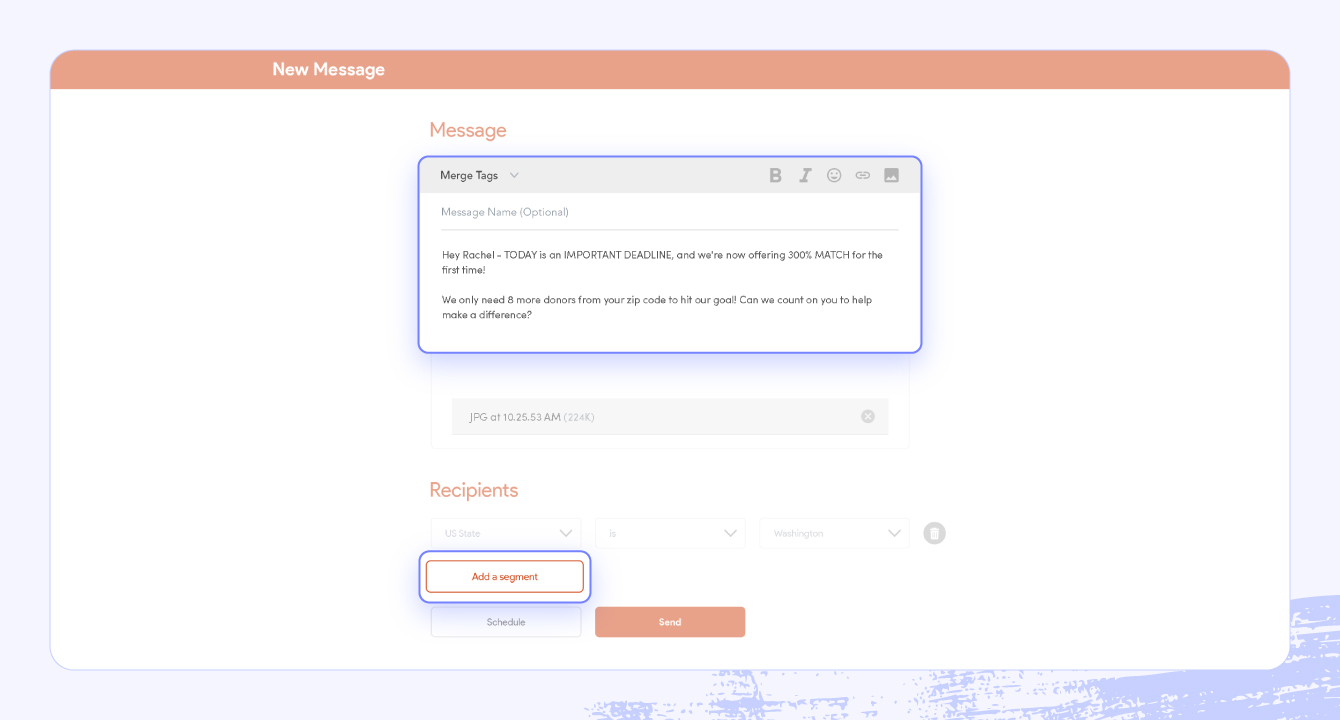
Built for nonprofits and digital agencies, Tatango is a solution that focuses solely on SMS messaging. Their scalable text-to-donate software offers mass texting, A/B testing, and website and contact form integration.
Reviews from Tatango users note that it’s user-friendly and simple for even the least tech-savvy to learn.
Features
- Broadcast messaging: Send millions of text messages in seconds to your entire support base.
- A/B testing: Try multiple options to determine the most effective SMS and MMS strategies for securing donations.
- Integration with your website: Your contact form automatically syncs with your text subscriber list.
Pricing
While Tatango’s website doesn’t list its full pricing options, the provider does offer a 60% discount on SMS shortcodes for nonprofits.
6. Handbid
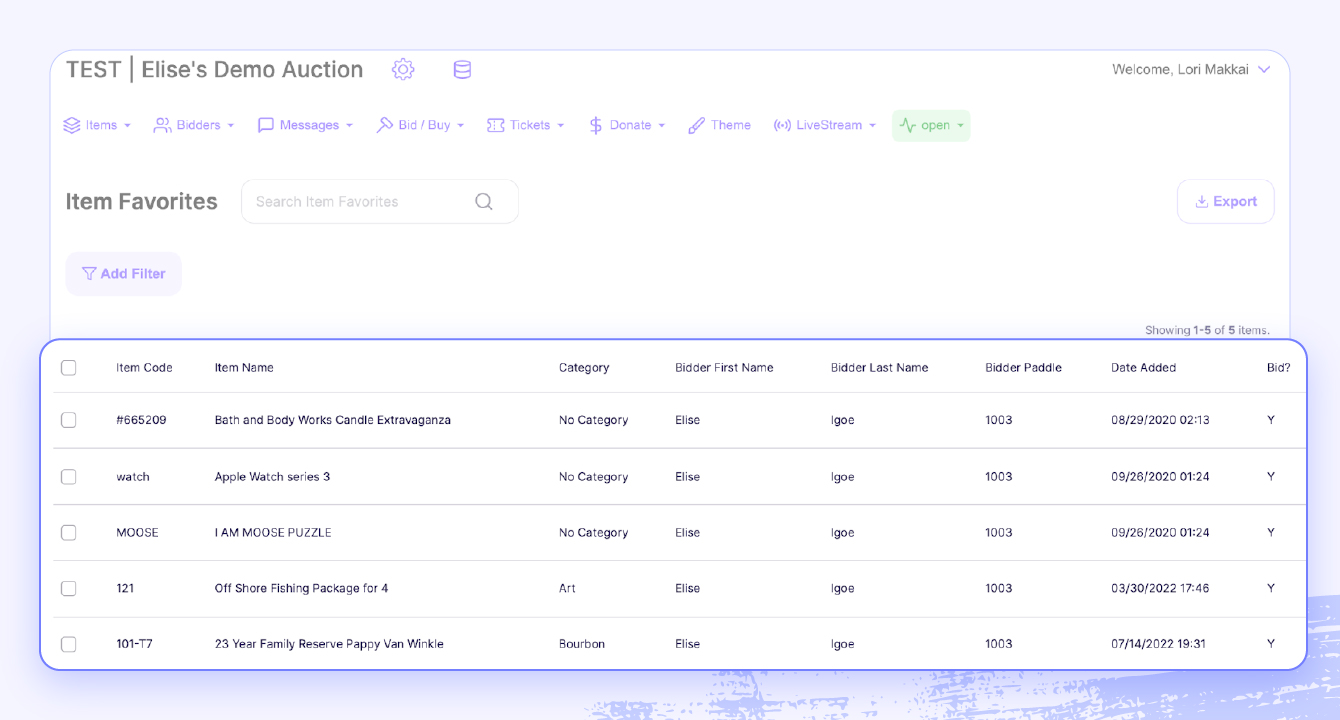
Handbid’s software focuses on auctions, offering mobile bidding, ticketing, auction management, and peer-to-peer fundraising features for nonprofit and commercial events. However, the Handbid platform also includes Text-2-Give, which lets your nonprofit select custom texting keywords and integrate text-to-give with existing donor information.
To use Handbid’s Text-2-Give feature, you must purchase the full software solution, which may be costly or simply unnecessary for some organizations.
Features
- Custom keywords: Set keywords for event guests and other supporters to text to receive a link to your donation page.
- Additional keywords: Go beyond text-to-donate by creating keywords for other important links, like registration pages and online auctions.
- Integration: Integrate text-to-give with auction guest profiles and existing donor payment information to streamline payments.
Pricing
The complete Handbid auction platform starts at $1,396 per year for nonprofits, with both single- and multi-event packages available.
7. Snowball Fundraising
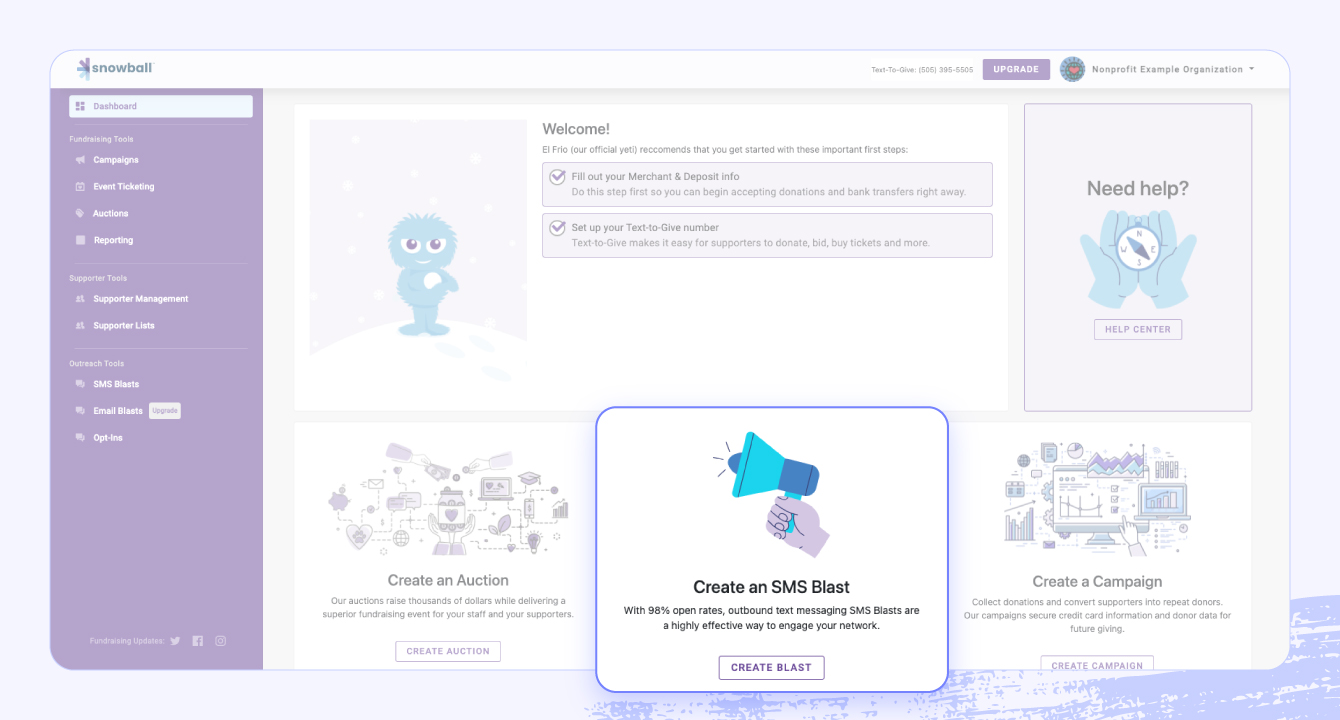
Snowball is a full-suite fundraising software for growing nonprofits, including text-to-donate in most of its plans. The Snowball text-to-give functionality provides phone numbers, trigger words, and multiple text-to-ticket and text-to-bid options.
While Snowball offers a free plan, text-to-donate is not included. This means you need to purchase a premium plan, which could be out of some organizations’ budgets.
Features
- Customizable phone numbers: Select from local, toll-free, or short-code phone numbers, depending on your organization’s text fundraising needs.
- Unlimited custom trigger words: Customize various text fundraising campaigns for local and toll-free numbers.
- Text-to-bid and text-to-ticket options: Streamline participation in online and hybrid events.
Pricing
To access mobile giving, choose a plan starting at $549 annually.
8. Bloomerang Fundraising
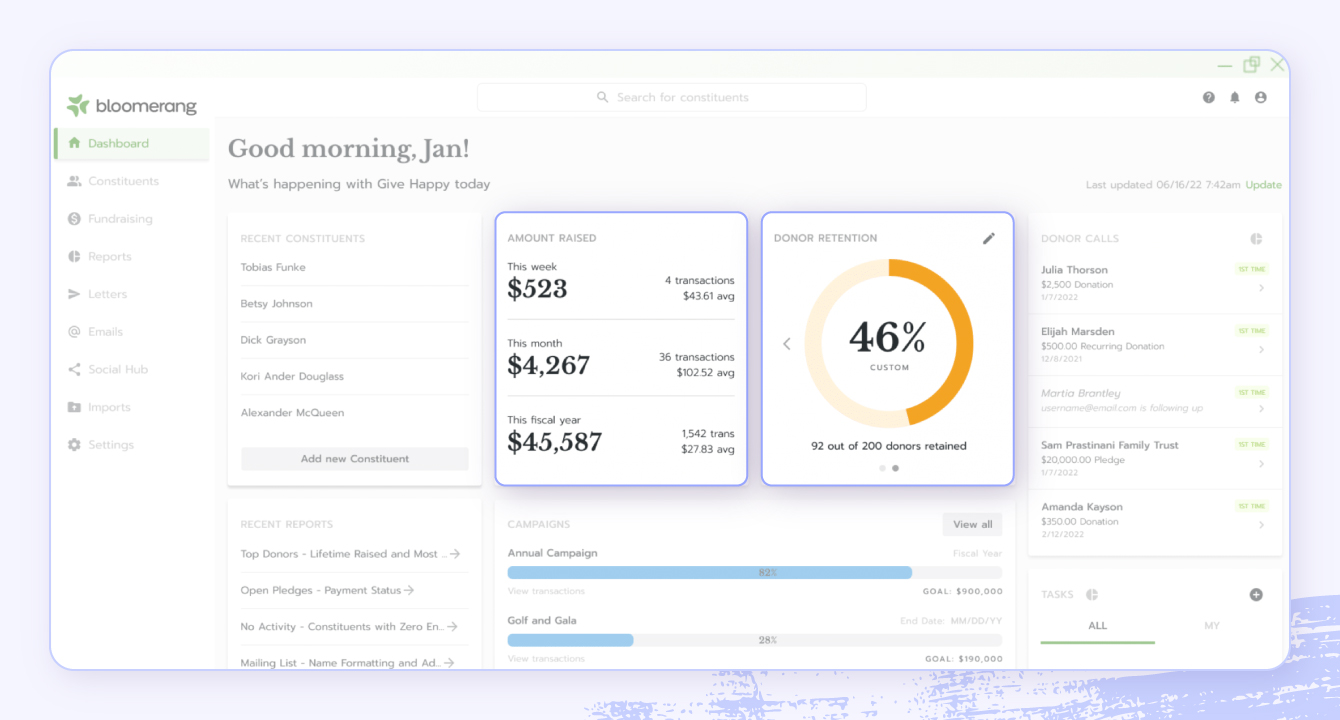
Bloomerang Fundraising, formerly Qgiv, is a fundraising platform that offers features for donor engagement, event management, peer-to-peer fundraising, and of course text-to-give.
With Bloomerang Fundraising, you can create targeted and segmented outreach lists based on donors’ giving histories, then create personalized outbound messaging tailored to each donor. You can also set automated reminders. Real-time dashboards let you keep an eye on how fundraising is going and track your success.
Features
- Outbound texts and automated reminders: Send messages to your supporters to raise engagement and ask for donations.
- Segmentation and personalization: Build donor lists based on giving histories and preferences, then craft tailored messages.
- FundHub Live and dashboards: See how your efforts are paying off with real-time donation displays (FundHub Live) and detailed insights.
Pricing
From $40 per month, billed annually
9. Tithe.ly
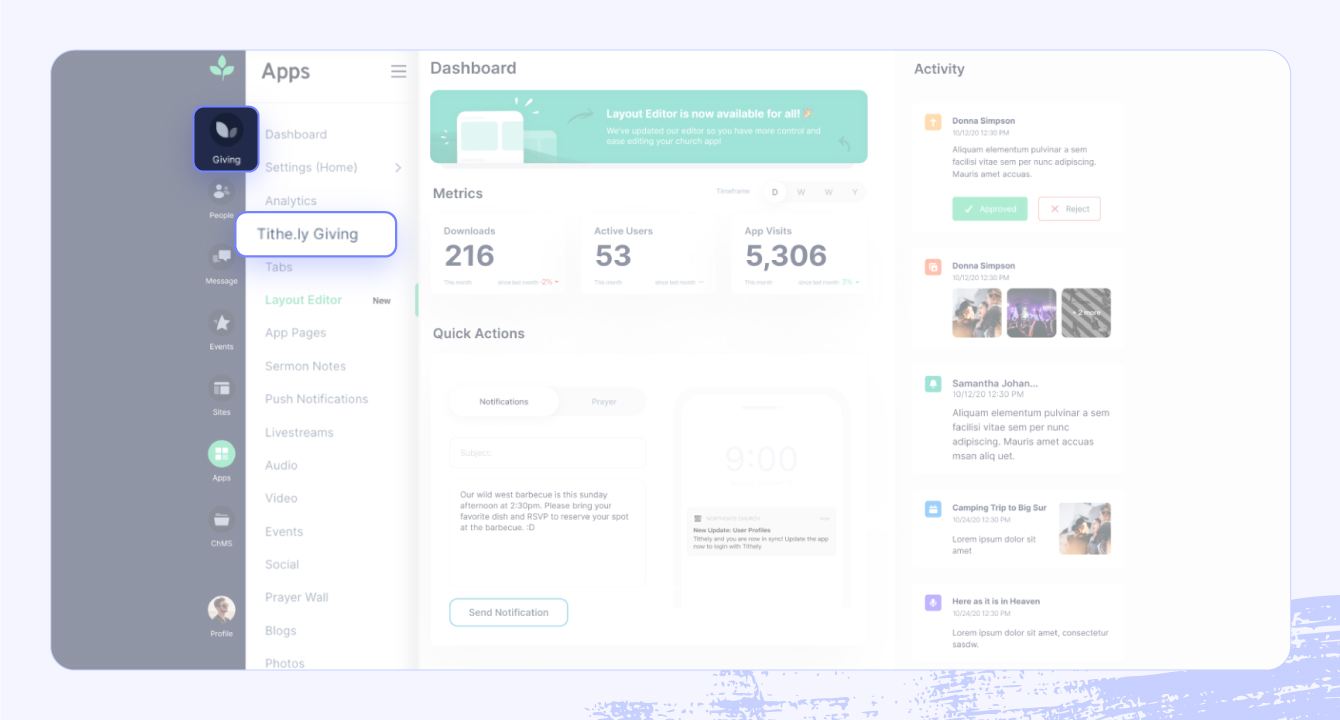
If your nonprofit is a faith-based organization, ministry, or church, you can access specialized fundraising and messaging tools through Tithe.ly, which was designed specifically for faith-based nonprofits.
This provider’s donation tools include a one-time payment setup that makes recurring giving easy, automated receipts and thank-you messaging, and integration into church management systems (ChMS).
Features
- One-time payment setup for text giving: Donors only have to input their credit card details once. Then, they can give immediately just by texting a dollar amount.
- Automatic thank-you texts and receipt emails: Once a supporter sets up their text giving account, you can automatically keep them in the loop.
- ChMS integration: Seamlessly add your text-to-donate data into your church management system.
Pricing
Using Tithe.ly for text-to-give costs $19 per month, but if you want the full fundraising platform, that runs $119 per month.
10. GiveWP
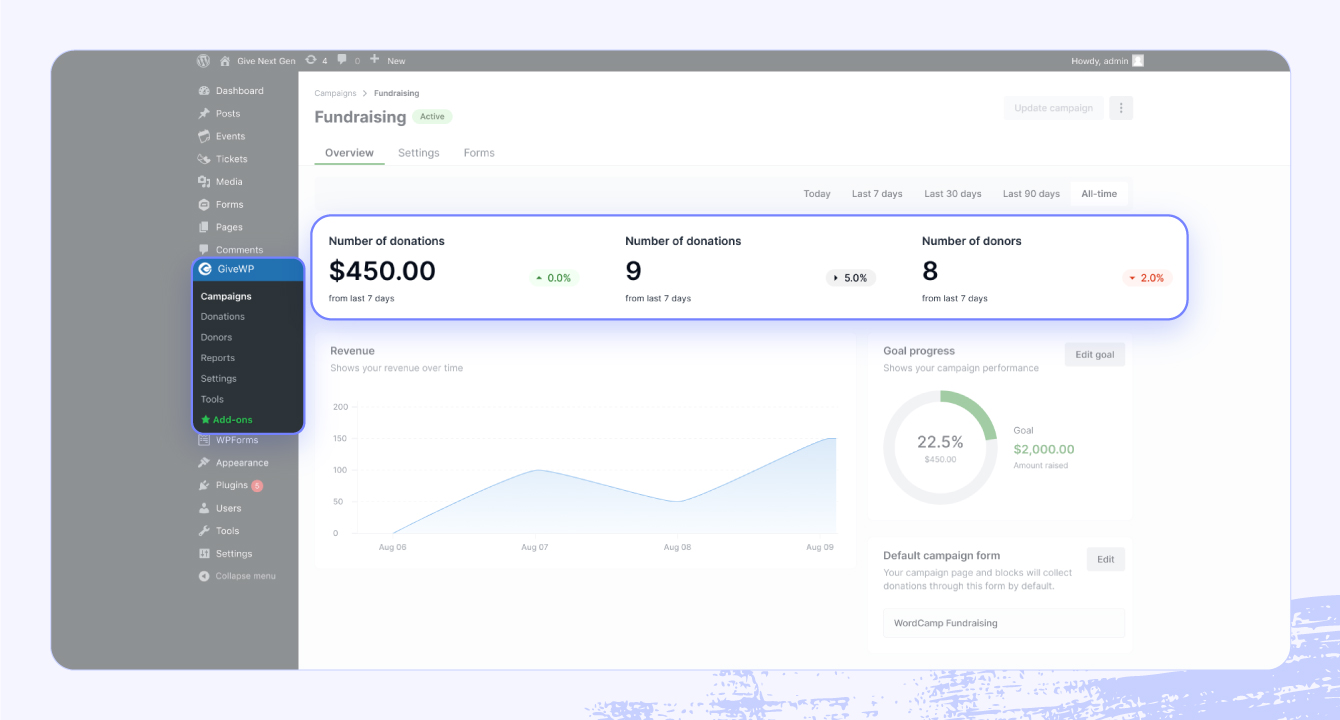
GiveWP is a WordPress donation platform and plugin that allows nonprofits using WordPress to easily create fundraising forms. The solution’s text-to-give add-on comes with responsive mobile donation forms, text-to-donate features that route donations to your forms, and various mobile payment options.
Features
- Native mobile donation forms: Create forms that are responsive to your website’s existing WordPress theme.
- Text-to-donate: Powered by Twilio and Stripe, you can route donations to your GiveWP donation forms.
- Mobile payment options: Take payments via Venmo, Apple Pay, and Google Pay.
Pricing
The GiveWP text-to-give add-on costs $79 per year. However, you also have to pay per-message fees to Twilio and credit card fees to Stripe.
11. Give Lively
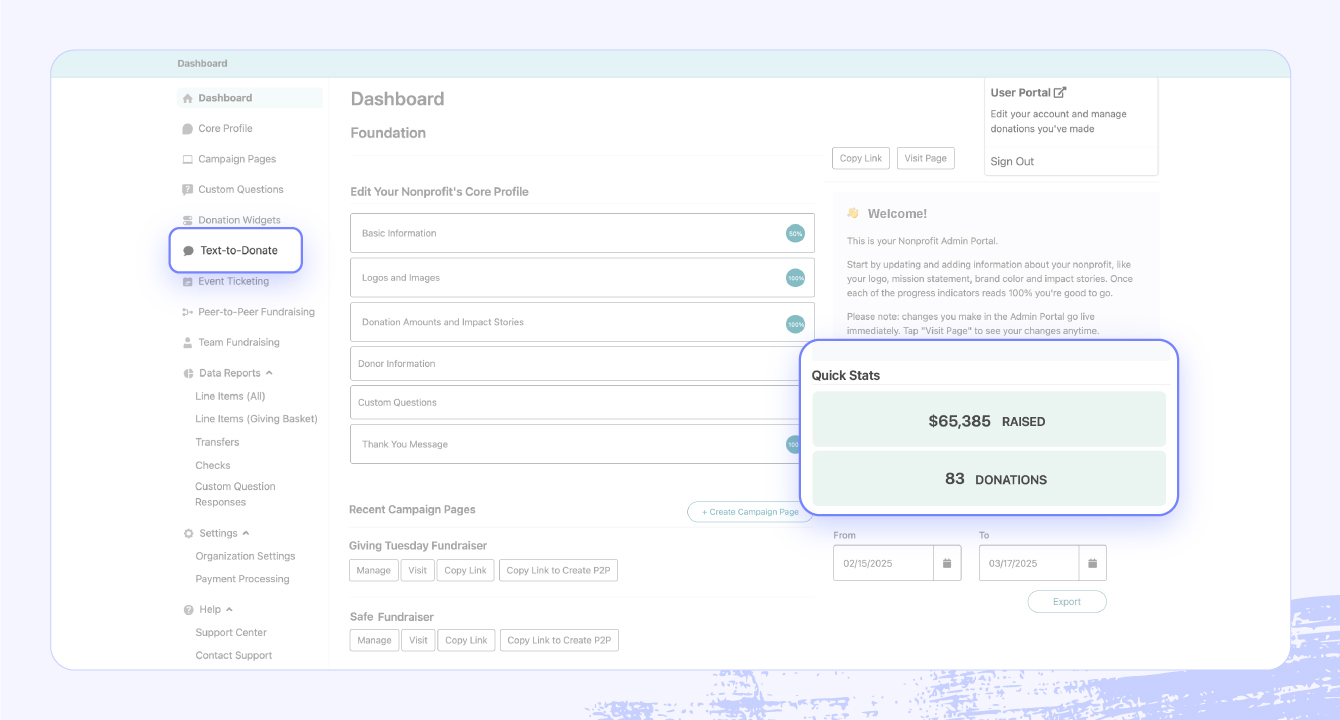
Give Lively is a free fundraising platform that provides nonprofits with the basic tools they need to raise money online. Its text-to-donate features include a free short code, unlimited text campaigns, and donation tracking.
Many users appreciate that Give Lively is customizable and easy to use, while some note that features are a bit limited. But because it’s a free tool, it solves many basic text-to-give needs without taking resources from your mission.
Features
- A free short code: Use the same code, 44321, for all nonprofit customers.
- Unlimited text campaigns: Leverage unique keywords for fundraisers, events, and other campaigns. They never expire.
- Donation tracking: View thermometers from your campaign pages and live displays to see how donations are trending.
Pricing
While Give Lively is free to use for eligible nonprofits, you must pay transaction fees to third-party payment processors, including Stripe and PayPal, and give donors the option to tip Give Lively.
12. Givebutter
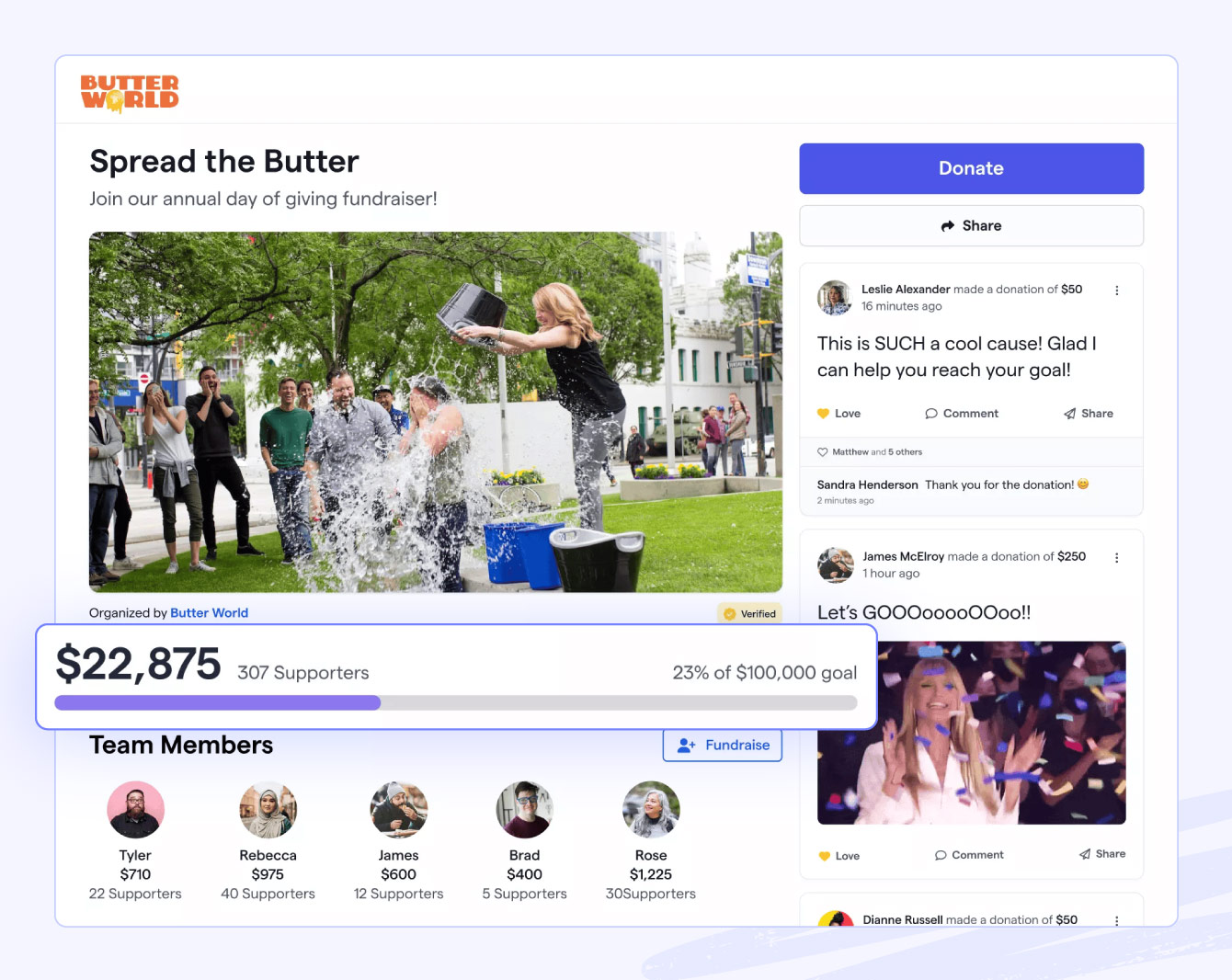
Givebutter is a fundraising platform that helps nonprofits raise funds, host events, and manage donations; it also includes a CRM. The text-to-donate feature is included in the broader Givebutter platform. It lets you create unique keywords and let donors give by texting a five-digit code. You can send and receive unlimited messages, and donors can pay with several methods.
While Givebutter is affordable and has a lot to offer, organizations that need a more customizable tool or a more robust all-in-one solution might seek out Givebutter alternatives.
Features
- Custom keywords and shortcode giving: Set a unique text-to-donate keyword and tie it to an easy-to-remember shortcode.
- Seamless mobile giving experience: Donation pages are optimized for mobile and there are plenty of payment options including Venmo, Apple Pay, Google Pay, and Cash App.
- Real time tracking and engagement: Track donations and conversions so you can stay informed about how much you’re raising.
Pricing
It’s free for organizations to use Givebutter, but you must either request tips from donors or pay platform fees; these include 1% for donation forms, 3% for fundraising pages, and 5% for events and auctions.
Jumpstart your text-to-give campaign with Bonterra
Text-to-give is more than just a donation channel. It’s a way to make giving effortless, engaging, and exciting for your supporters and your nonprofit. By embracing mobile giving and leveraging strong software like Bonterra, your organization can create engaging text-to-give campaigns that drive real impact, one text at a time.
If you’re looking for a robust, centralized text-to-give platform that meets all your fundraising and relationship-building needs, choose Bonterra EveryAction or Network for Good. Both platforms go beyond simple text-messaging add-ons by integrating mobile giving directly into CRM and donor management systems, letting you foster long-term relationships. Request a demo to find the best fit for your organization.



Don't miss out
Get the latest insights delivered to your inbox.


